
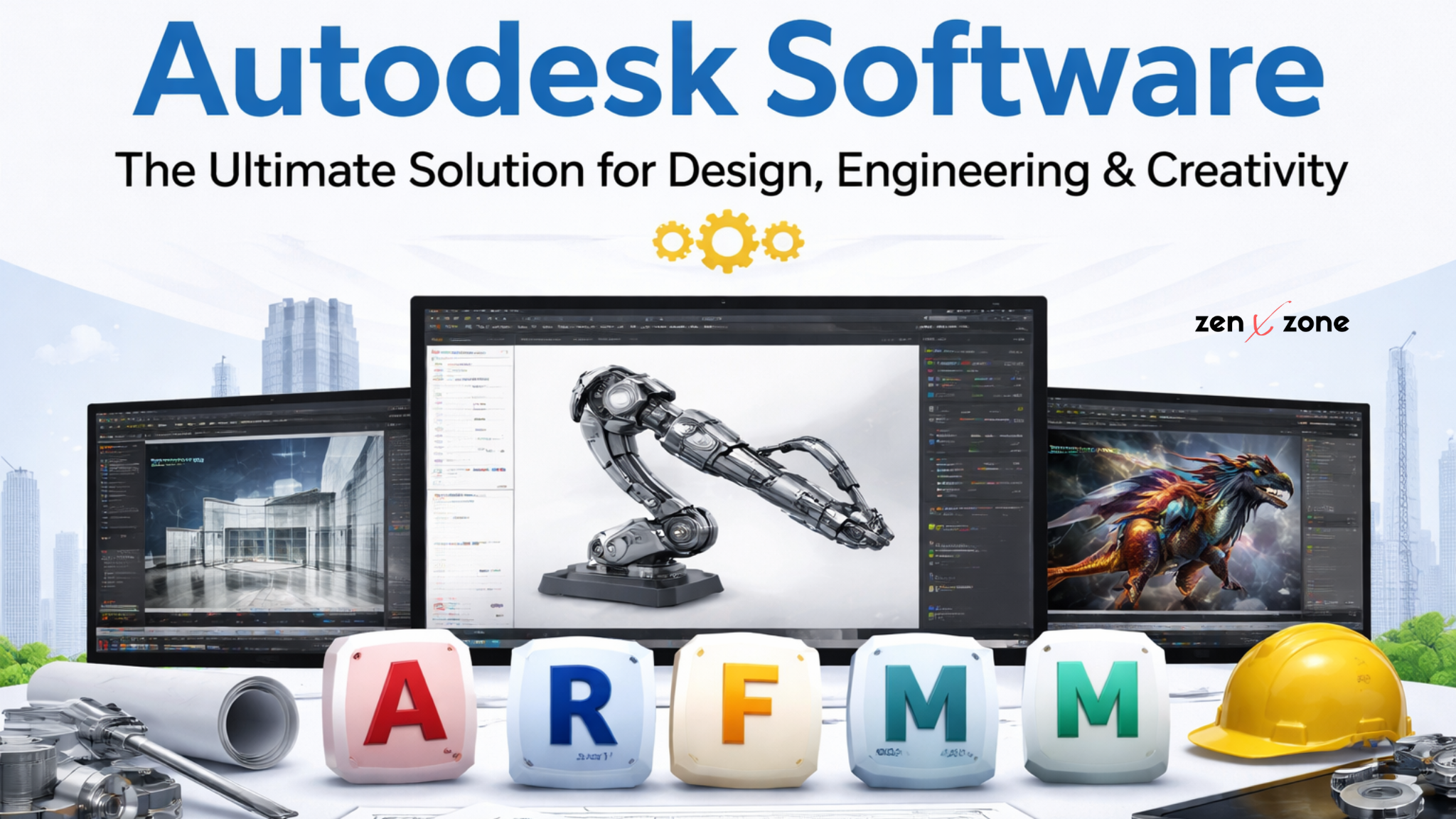
In the modern digital era, design and engineering industries rely heavily on advanced software tools to create accurate, efficient, and innovative solutions. Among the top names in this field, Autodesk software stands out as a global leader. From architecture and construction to animation and product design, Autodesk provides powerful tools that help professionals turn their ideas into reality.
If you are looking to enhance your productivity and work with industry-standard tools, Autodesk software is the perfect solution. In this blog, we will explore everything you need to know about Autodesk, its features, benefits, products, and why you should choose it for your projects.
What is Autodesk Software?
Autodesk is a leading American software company known for developing applications used in design, engineering, construction, manufacturing, and entertainment industries. Founded in 1982, Autodesk has revolutionized the way professionals design and visualize projects.
The company offers a wide range of software products that support:
- 2D drafting
- 3D modeling
- Building Information Modeling (BIM)
- Simulation and analysis
- Rendering and animation
Autodesk tools are trusted by millions of users worldwide, including architects, engineers, designers, filmmakers, and game developers.
Popular Autodesk Software Products
Autodesk provides a comprehensive suite of tools. Let’s take a closer look at some of the most popular ones:
1. AutoCAD
AutoCAD is one of the most widely used drafting software in the world. It allows users to create precise 2D drawings and 3D models.
Key Features:
- Accurate drafting tools
- Layer management
- DWG file compatibility
- Automation with scripts
AutoCAD is widely used in architecture, civil engineering, and interior design.
2. Revit
Revit is a powerful BIM (Building Information Modeling) software used for designing and managing building projects.
Key Features:
- Intelligent 3D modeling
- Real-time collaboration
- Construction documentation
- Clash detection
Revit is essential for architects, structural engineers, and construction professionals.
3. Fusion 360
Fusion 360 is a cloud-based software that combines CAD, CAM, and CAE tools.
Key Features:
- Product design and prototyping
- Simulation tools
- Cloud collaboration
- Manufacturing integration
It is ideal for product designers, mechanical engineers, and startups.
4. 3ds Max
3ds Max is widely used for 3D modeling, rendering, and visualization.
Key Features:
- High-quality rendering
- Realistic textures and lighting
- Animation tools
- Plugin support
It is commonly used in gaming, architecture visualization, and media production.
5. Maya
Maya is a professional-grade software used in animation, VFX, and filmmaking.
Key Features:
- Advanced animation tools
- Character rigging
- Visual effects simulation
- Industry-standard rendering
Maya is used by major studios in Hollywood and the gaming industry.
Key Features of Autodesk Software
Autodesk software is packed with powerful features that make it a preferred choice for professionals:
✔ Advanced Design Capabilities
Create detailed and accurate 2D and 3D designs with ease.
✔ Cloud Integration
Access your projects from anywhere and collaborate with team members in real-time.
✔ Automation Tools
Reduce repetitive tasks using automation and scripting features.
✔ High Compatibility
Supports multiple file formats and integrates with other software tools.
✔ Regular Updates
Autodesk continuously improves its software with new features and updates.
Benefits of Using Autodesk Software
🔹 Increased Productivity
Autodesk tools help automate complex tasks, saving time and effort.
🔹 Industry Standard
Used by professionals worldwide, Autodesk skills are highly valuable in the job market.
🔹 Better Visualization
3D modeling and rendering allow better project understanding and presentation.
🔹 Collaboration
Teams can work together efficiently using cloud-based tools.
🔹 Accuracy and Precision
Autodesk ensures highly accurate designs, reducing errors in projects.
Who Should Use Autodesk Software?
Autodesk software is suitable for a wide range of users:
- Architects and civil engineers
- Mechanical and product designers
- Interior designers
- Animators and VFX artists
- Students and freelancers
- Construction professionals
Whether you are a beginner or an expert, Autodesk has tools tailored to your needs.
Autodesk Software in Different Industries
🏗 Architecture & Construction
Autodesk tools like AutoCAD and Revit are essential for designing buildings and infrastructure.
🏭 Manufacturing
Fusion 360 helps in product design, testing, and manufacturing processes.
🎮 Media & Entertainment
Maya and 3ds Max are widely used in movies, animation, and game development.
🚗 Automotive & Engineering
Autodesk software supports design and simulation for vehicles and machines.
Why Choose Autodesk from ZENXZONE?
If you are planning to buy Autodesk software, choosing the right provider is important. At ZENXZONE, we offer reliable and affordable solutions tailored to your needs.
What You Get with ZENXZONE:
- ✔ Genuine Autodesk software access
- ✔ Affordable pricing plans
- ✔ Quick and hassle-free activation
- ✔ Secure payment options
- ✔ Customer support assistance
We ensure that you get the best value for your investment.
Tips for Choosing the Right Autodesk Software
Selecting the right Autodesk tool depends on your requirements:
- Choose AutoCAD for drafting and basic design
- Use Revit for building and construction projects
- Go with Fusion 360 for product design
- Select 3ds Max or Maya for animation and rendering
Understanding your project needs will help you make the right choice.
Conclusion
Autodesk software has become an essential tool for professionals across multiple industries. Its powerful features, user-friendly interface, and wide range of applications make it a top choice for designers, engineers, and creators worldwide.
Whether you are working on architectural designs, product development, or animation projects, Autodesk provides the tools you need to succeed.
If you are looking for trusted and affordable Autodesk software solutions, ZENXZONE is here to help you get started with ease.









Add comment